
Upload up to 10 images (max 10MB each)
Describe what changes you want to make to the image.
Start generating to see your results here
Studio Lighting Product Photo Style
Generate clean, photorealistic product shots with consistent lighting and true-to-life detail.

Studio Lighting
AI Image Maker That Fits Every Workflow
Create image with ai for posts, listings, and ads without heavy editing.
Make AI images from text or a photo
The ai image maker from photo keeps your subject while you change scene, lighting, or style. Use prompts to generate ai image variations and keep results realistic.
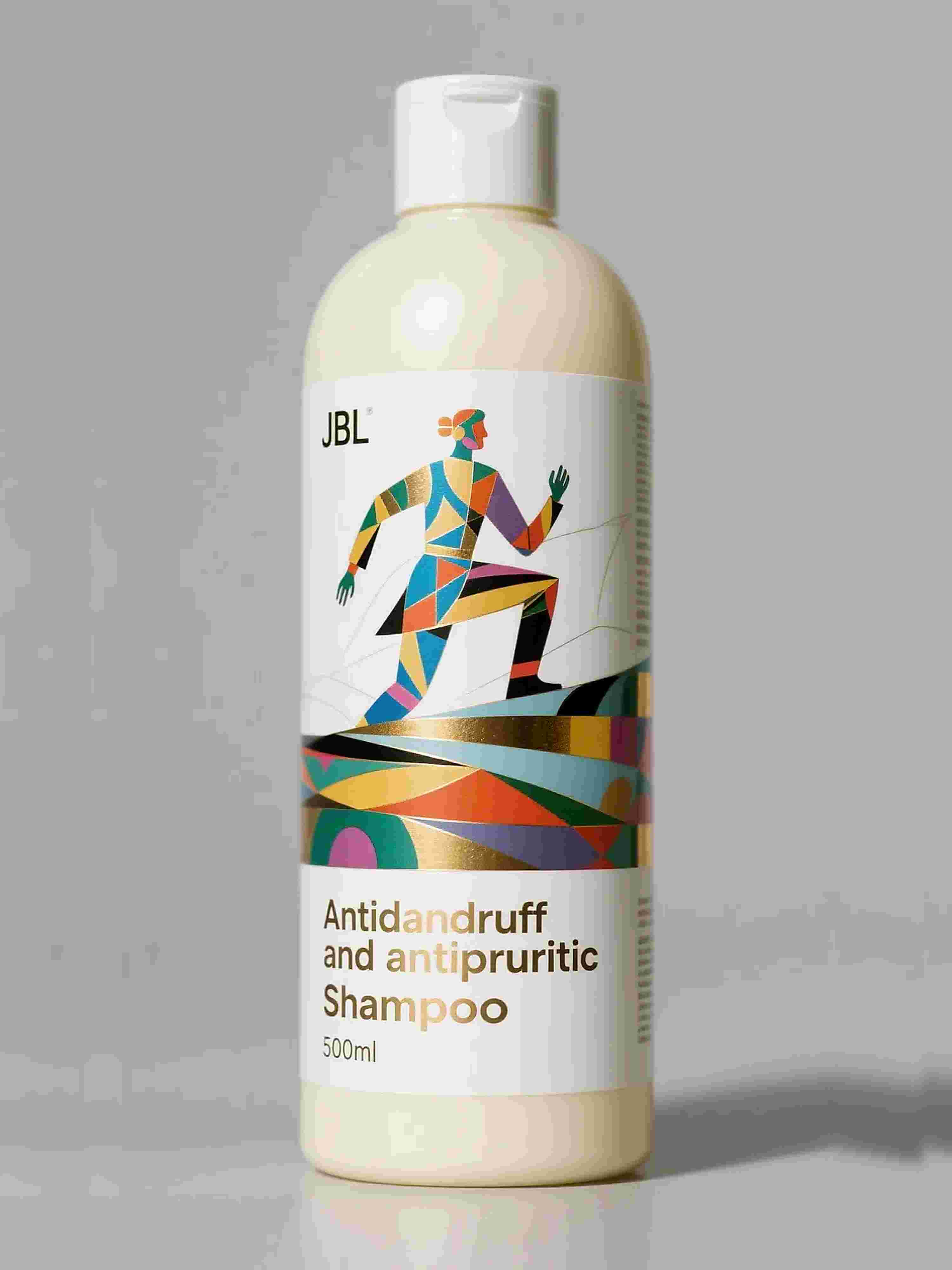
Original
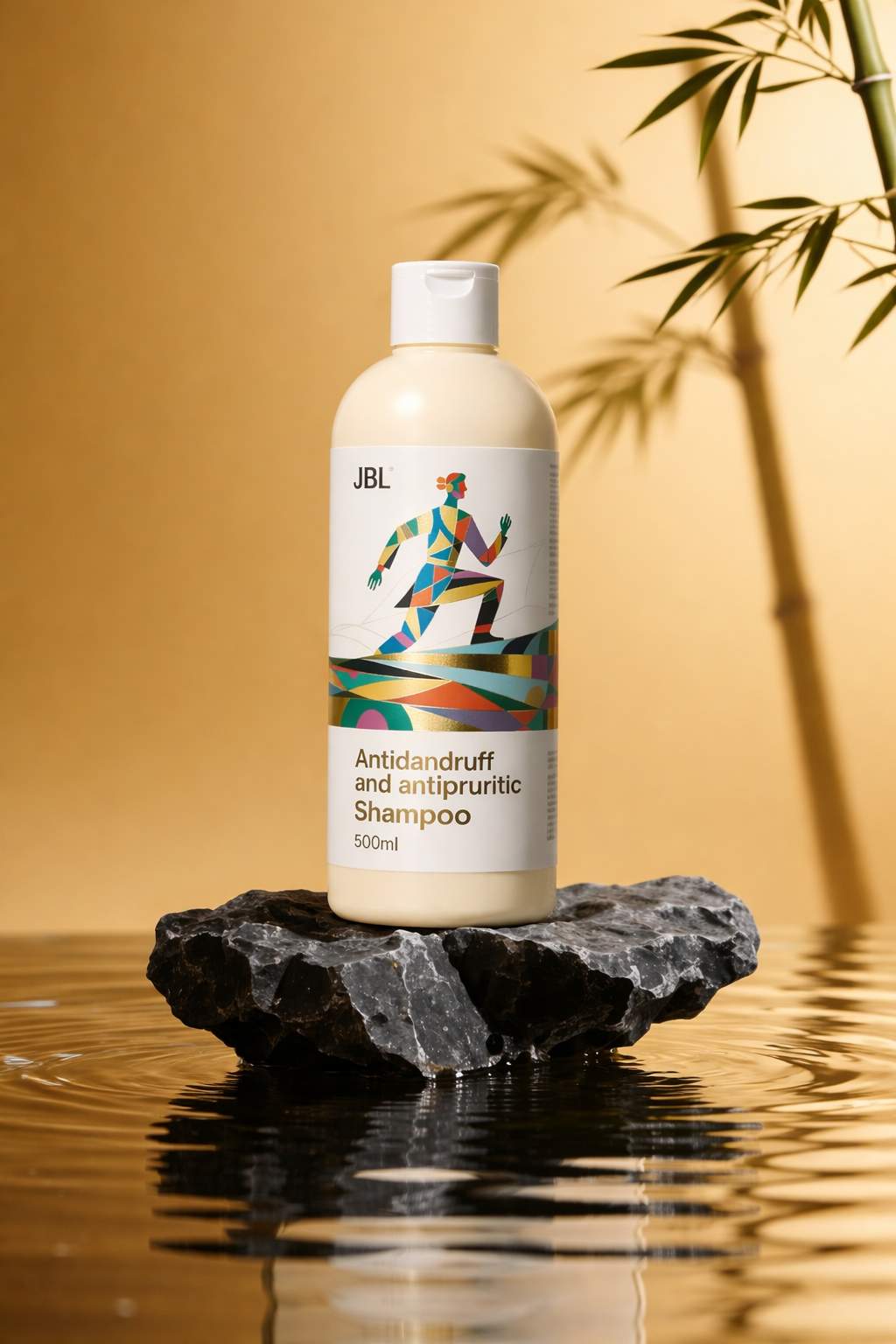
Result
Create social media images with AI fast
This ai image maker for Instagram posts and TikTok turns ideas into ready-to-post images in minutes. Pick an aspect ratio, apply a style, and export visuals that fit each channel.
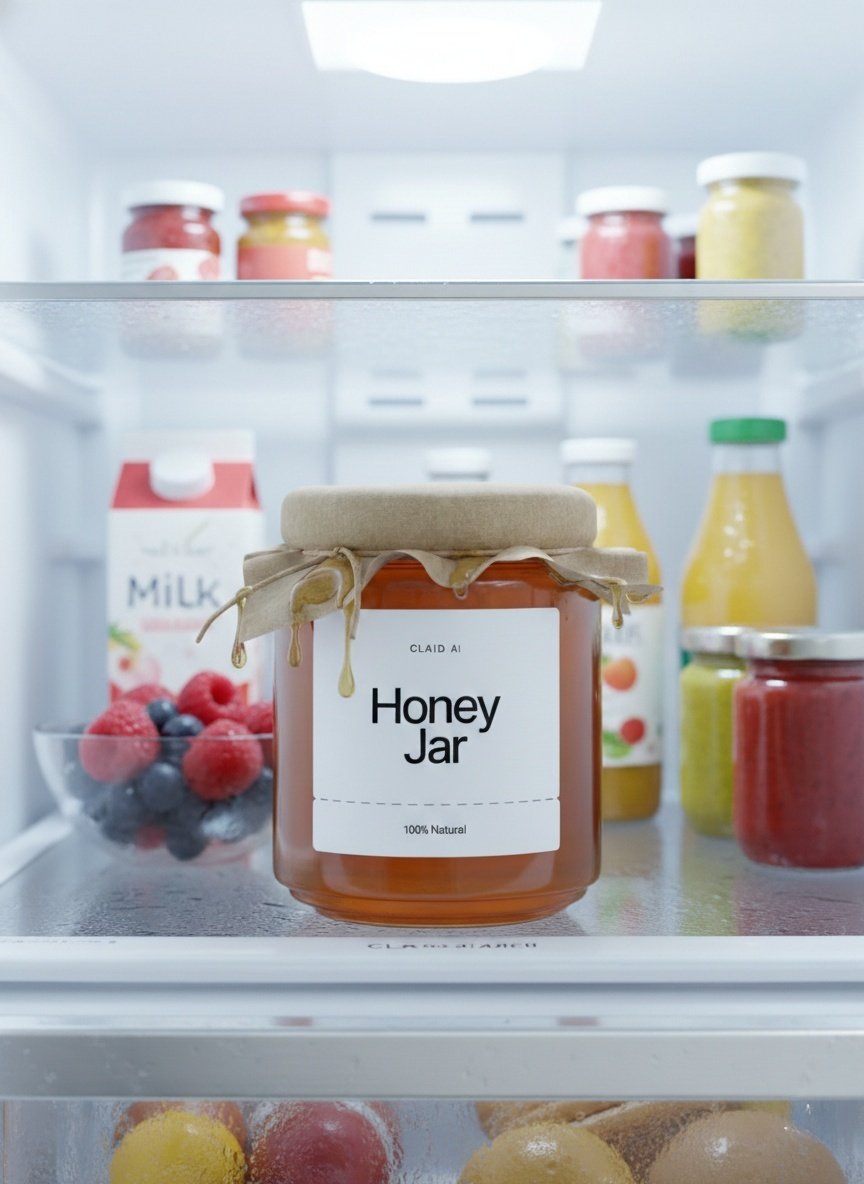
Original
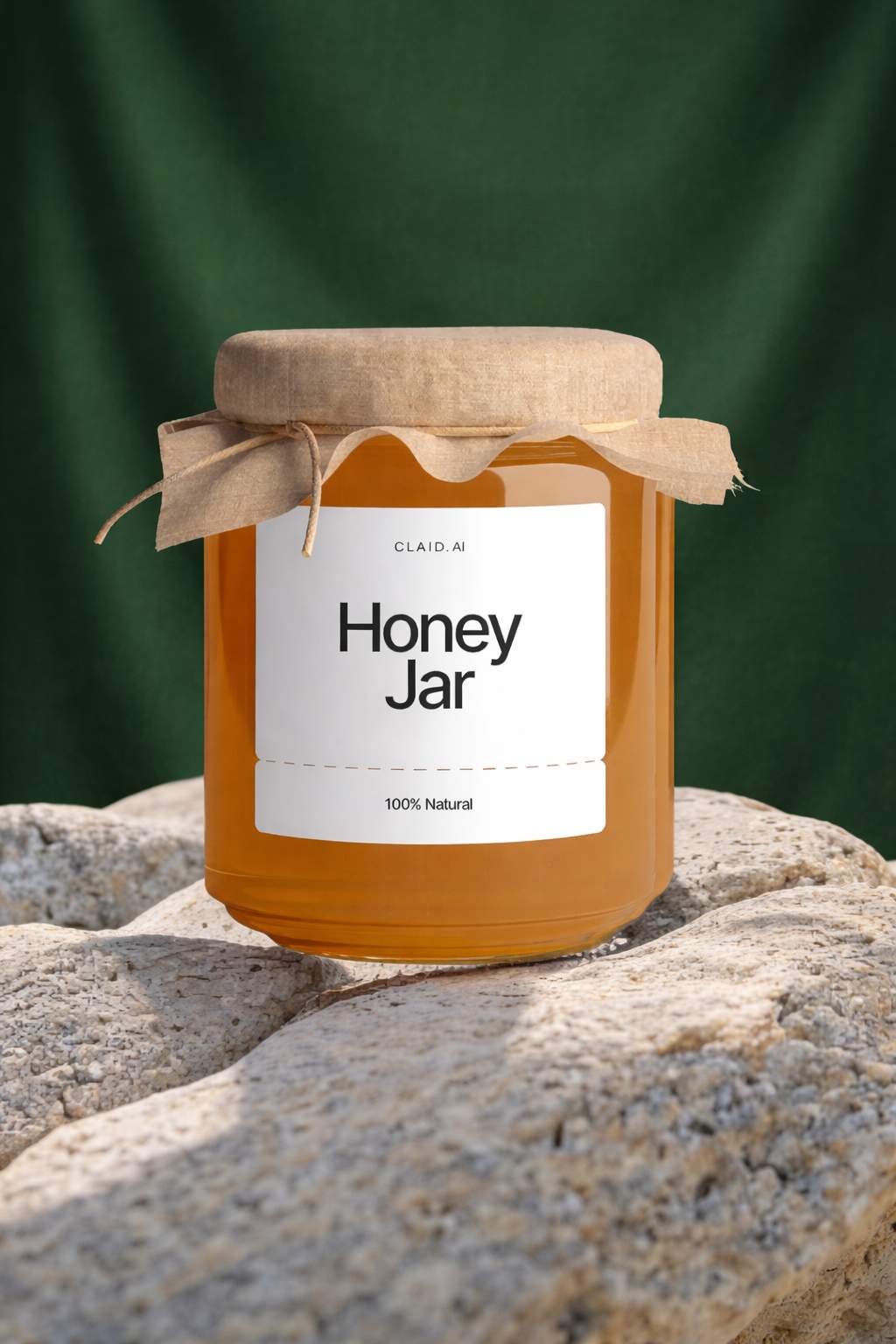
Result
AI Image Maker Built for Fast Delivery
Pixvo AI image maker is an online ai image generator and ai image creator for usable visuals.
Ready-to-Post Output
Generate social media images that are ready to post in minutes for daily publishing.
Realistic From Photo
Get ai image maker realistic results when you use the ai image maker from photo and keep key details locked.
Ecommerce Product Focus
Create ecommerce product images with clean backgrounds and consistent lighting for listings and ads.
Aspect Ratio Fit
An ai image maker with aspect ratio options for Instagram posts, TikTok, and 4:5 product feeds.
Style Presets That Match
Apply reusable style presets so your ai image maker output stays consistent across campaigns.
Free Trial, Paid Scale
Start with a free trial, then scale generation for teams that publish and sell every day.
From Idea to Ready-to-Use Images
Ecommerce product workflow
Define the shot
Describe the product, angle, and studio lighting you want for ecommerce product photos.
Pick ratio and style
Choose 1:1 or 4:5 and a simple background to keep listing images clean.
Generate and export
Create variations, pick the sharpest result, and download for your store.
Social content workflow
Start from text or photo
Use the ai image maker online to create image with ai or refine a photo.
Set platform size
Select 9:16 for TikTok or 4:5 for Instagram posts to avoid cropping.
Publish-ready output
Download ready-to-post images in minutes and schedule your posts.
AI Image Maker Use Cases for Social and Ecommerce
Cover social media images, ecommerce product images, and ads with consistent results.
Keep a repeatable style, protect product details, and publish fast for content publishers and sellers.
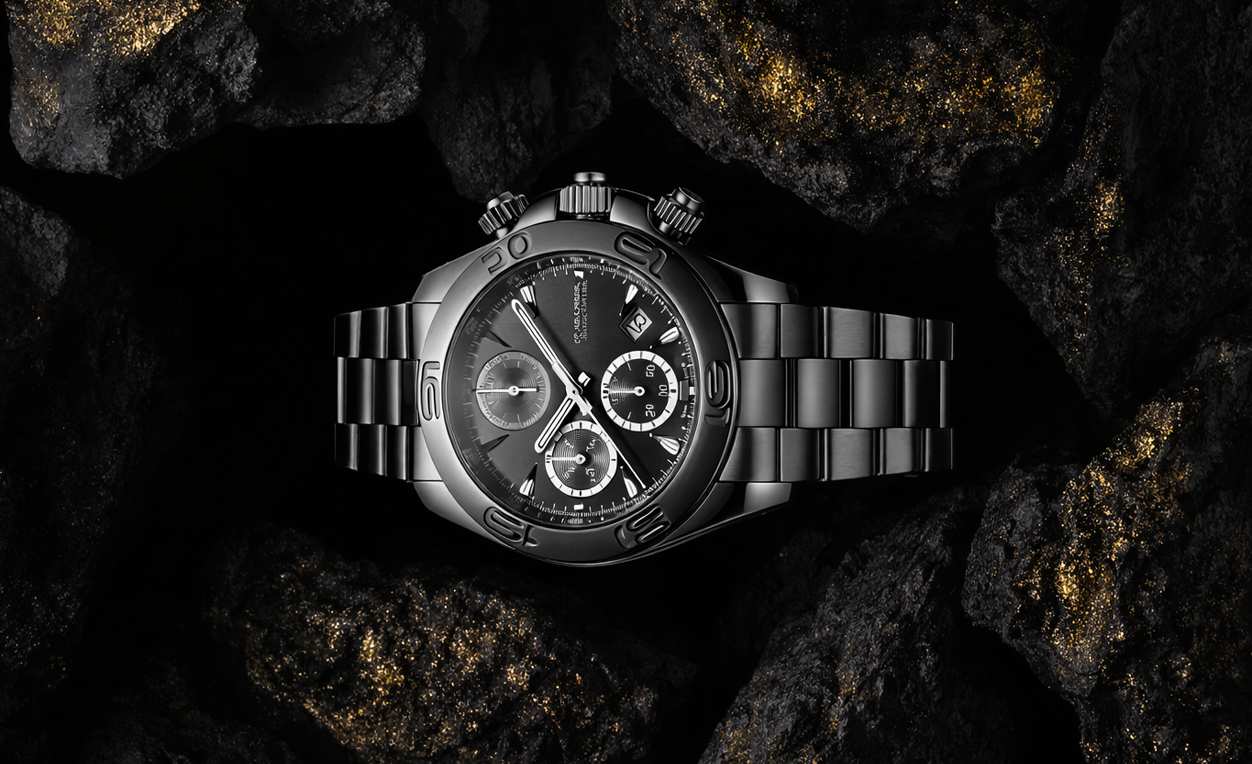
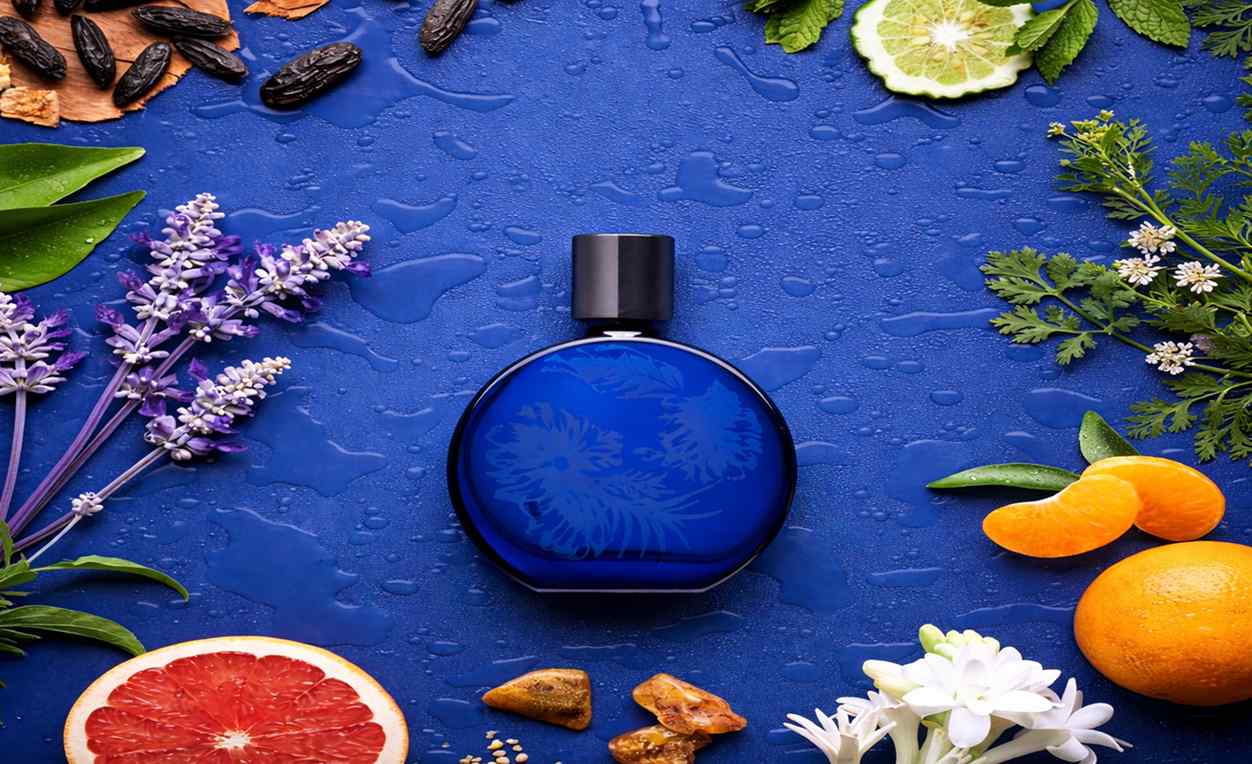
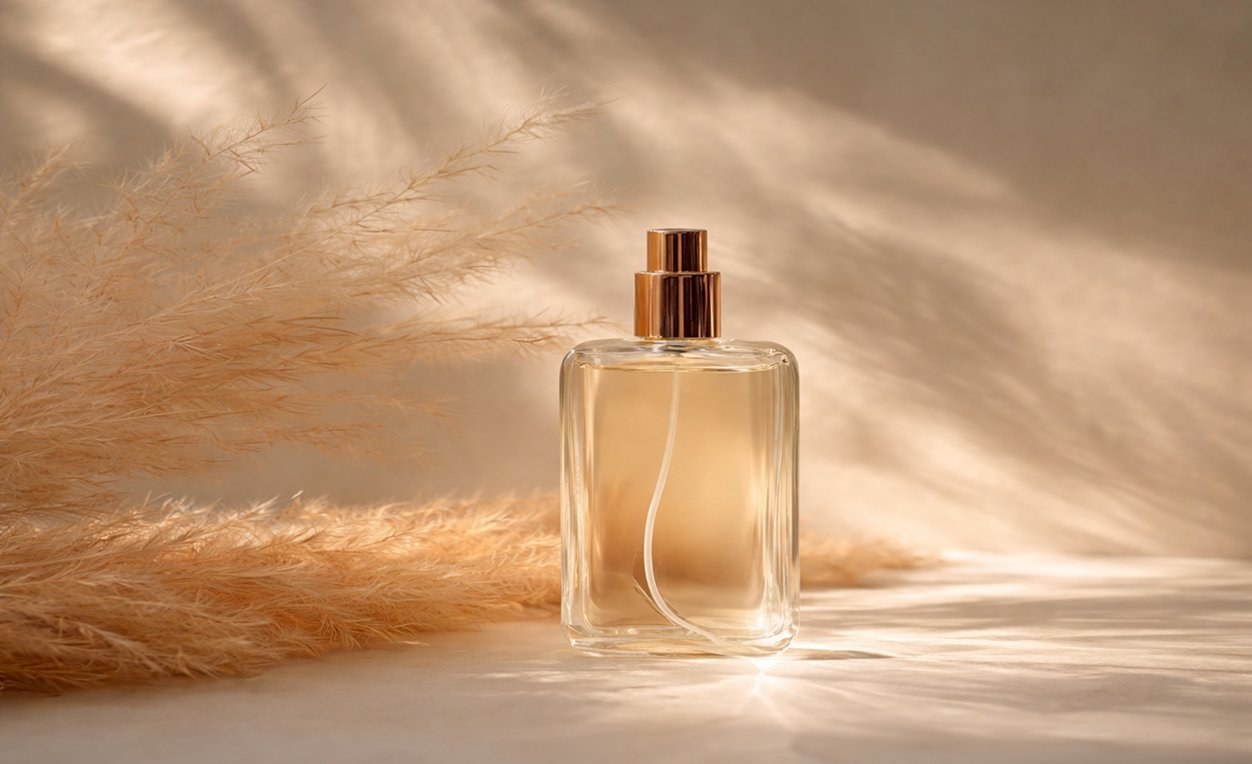
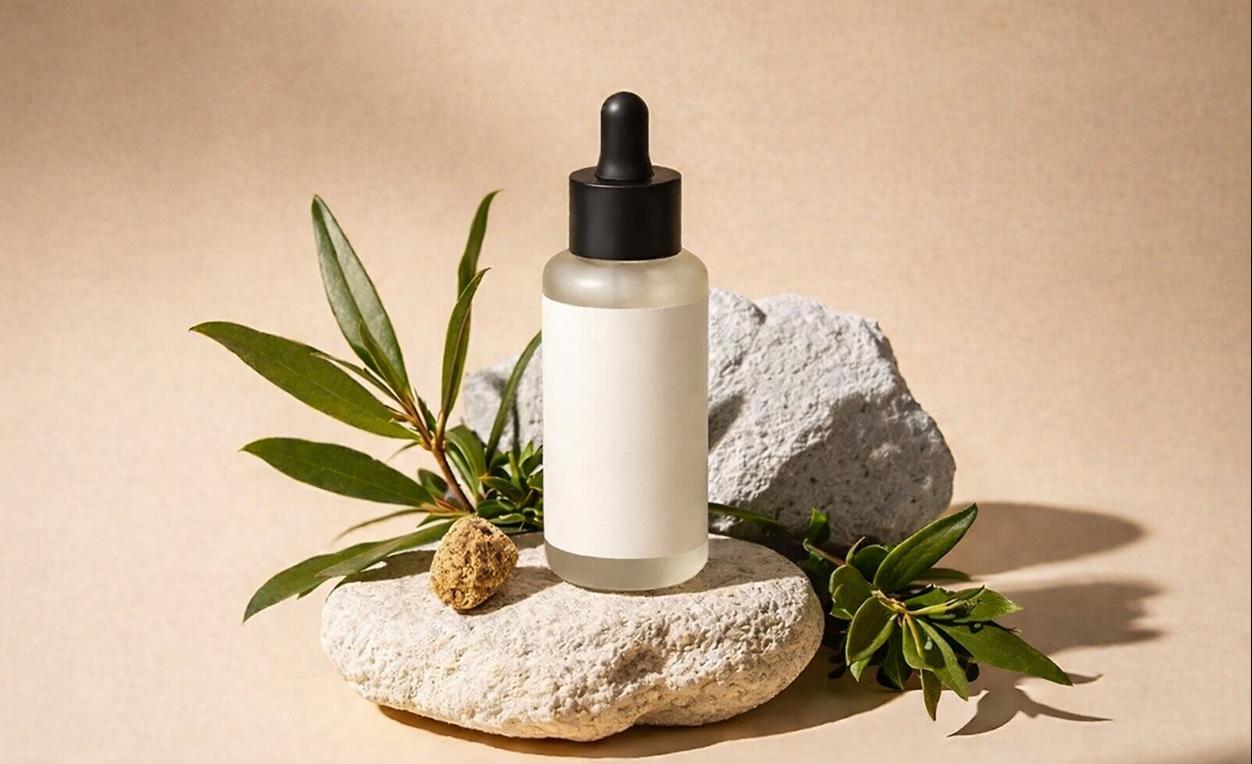
Teams Creating With Pixvo AI
Social operators, sellers, and marketers share the results.
Pixvo AI image maker lets me make ai images for weekly social campaigns. The presets keep every post consistent.
Brand Designer
We use the ai image maker for ecommerce product photos and get clean backgrounds without reshoots.
Product Manager
I can generate ai image options for ads and ship ready-to-post images in minutes.

Digital Marketing Lead
The simple background option makes our product shots look professional for marketplace listings.

Creative Strategist
Aspect ratio controls save time. I export 1:1 and 4:5 images without extra edits.
E-commerce Manager
The ai image maker online is fast enough for daily content, and the results stay realistic.

Art Director
Frequently Asked Questions
Quick answers before you create.
Create Images in Minutes
Use the ai image maker to make ai images for social media and ecommerce product photos.